

Portal GuideSettings
Analytics Tracking
Enable and configure Google Analytics tracking for the DealerAI webchat widget.
Analytics Tracking connects the DealerAI webchat widget to Google Analytics so you can measure chat engagement events alongside your existing website analytics.
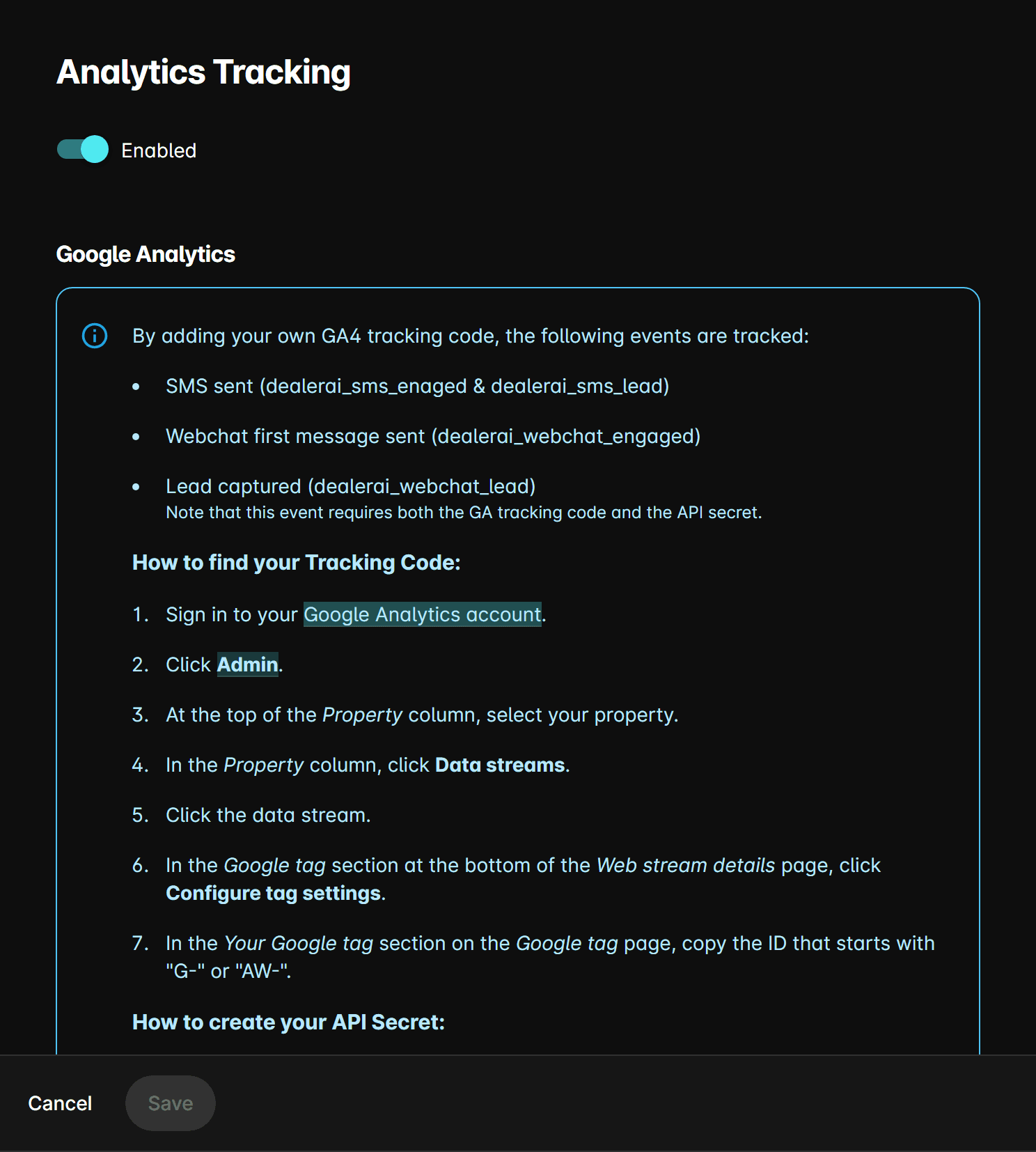
Fields
Enable analytics tracking
Toggle this on to activate GA4 event tracking for the webchat widget. When enabled, the widget fires events for actions such as chat opens, engagement, lead capture, and popup views.
Google Analytics Measurement ID
Enter your GA4 Measurement ID (format: G-XXXXXXXXXX). This is found in your Google Analytics account under Admin → Data Streams → Web stream details.
DealerAI tracks these webchat events in GA4: Initialization, Popup, Lead, Engaged, and ResizeComponent. These appear in your GA4 real-time and event reports.
Setup steps
In Google Analytics, open Admin → Data Streams and copy the Measurement ID for your dealership website stream.
In the DealerAI portal, open Settings → Analytics Tracking.
Toggle Enable analytics tracking on.
Paste the Measurement ID into the field provided.
Save. Chat events will begin appearing in GA4 within 24–48 hours.