

Portal GuideSettings
How to update dealership info
Edit your dealership's name, address, phone numbers, and general information.
Dealership info is the foundation of your AI configuration — the bot uses these details to introduce itself, provide directions, share contact information, and represent your business accurately in every conversation.
Update dealership information
Go to Settings from the sidebar.
Select the General Info section.
Update the Dealership Name and Physical Address.
Add or update Phone Numbers and Email Addresses.
Set the Car Inventory Link — URL to your searchable inventory page.
Click Save to apply your changes.
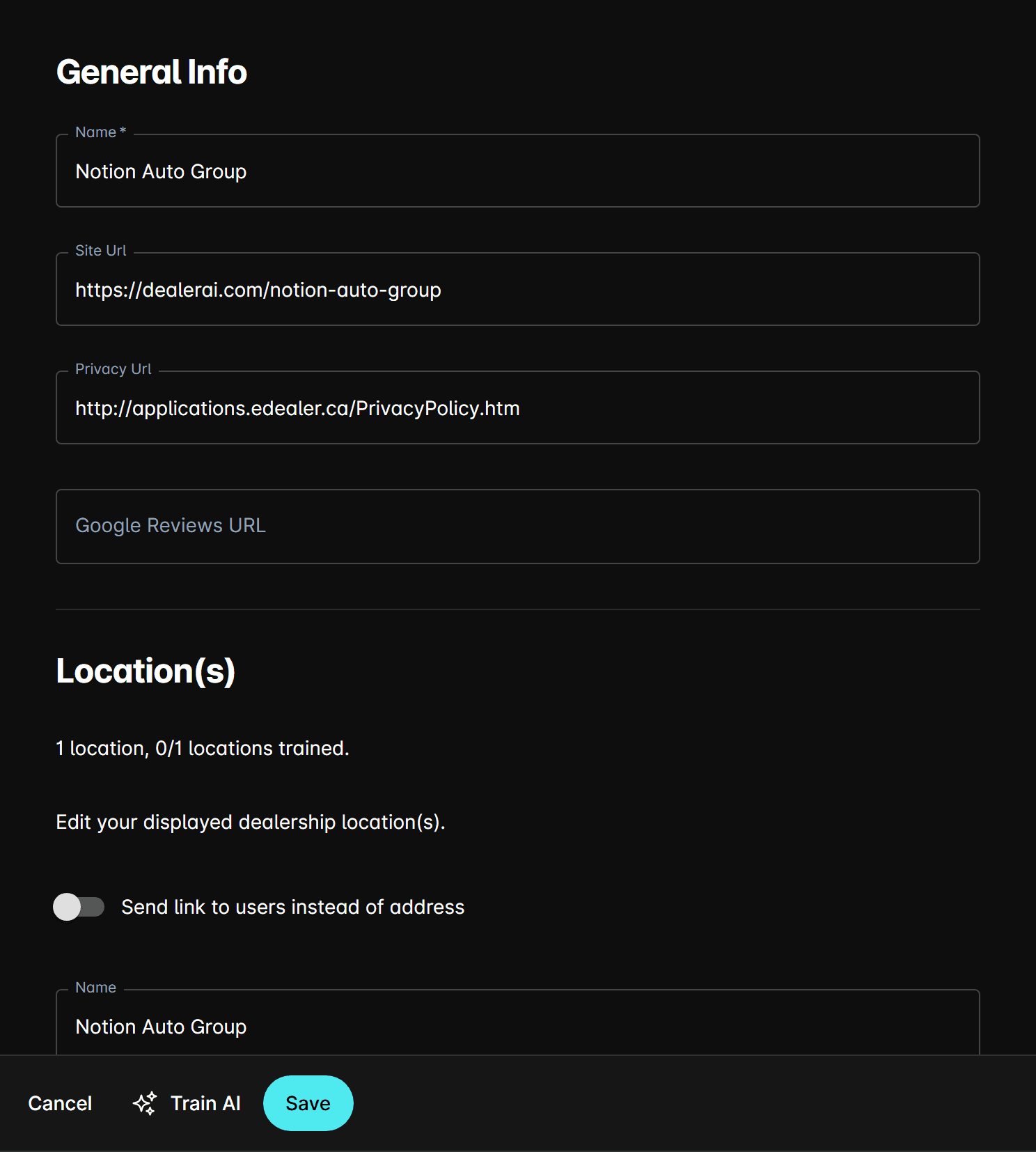
Changes take effect immediately in new conversations.
What the AI does with this information
The dealership info is used throughout the AI's responses:
- Greetings — "Welcome to [Dealership Name]! How can I help?"
- Location questions — "We're located at [Address]. Would you like directions?"
- Contact info — "You can reach us at [Phone] or [Email]"
- Inventory links — "Browse our full inventory at [Link]"
- After-hours messages — references your name and location when closed
What to include
| Field | Best Practice |
|---|---|
| Name | Use the name customers search for (e.g., "Smith Honda" not "Smith Automotive Group Ltd.") |
| Address | Full street address including suite/unit if applicable |
| Phone | Main sales line first, then service if separate |
| Customer-facing address, not internal staff emails | |
| Inventory Link | Direct link to your searchable inventory page |
If your dealership has multiple locations, each location has its own settings. Make sure you've selected the correct dealership in the top picker before editing.
Tips
- Keep the dealership name concise — it appears in greetings and messages.
- Update the address if you relocate, even temporarily — the AI gives directions based on this.
- Add both sales and service phone numbers if they differ — the AI routes customers appropriately.
- Verify your inventory link works and lands on a searchable page, not a generic homepage.