

How to create a promotion
Add a new special offer that the AI can share with customers.
Promotions are time-bound special offers your dealership wants to advertise. Once created, the AI can mention these promotions in conversations when relevant — for example, when a customer asks about deals on a specific model.
Create a promotion
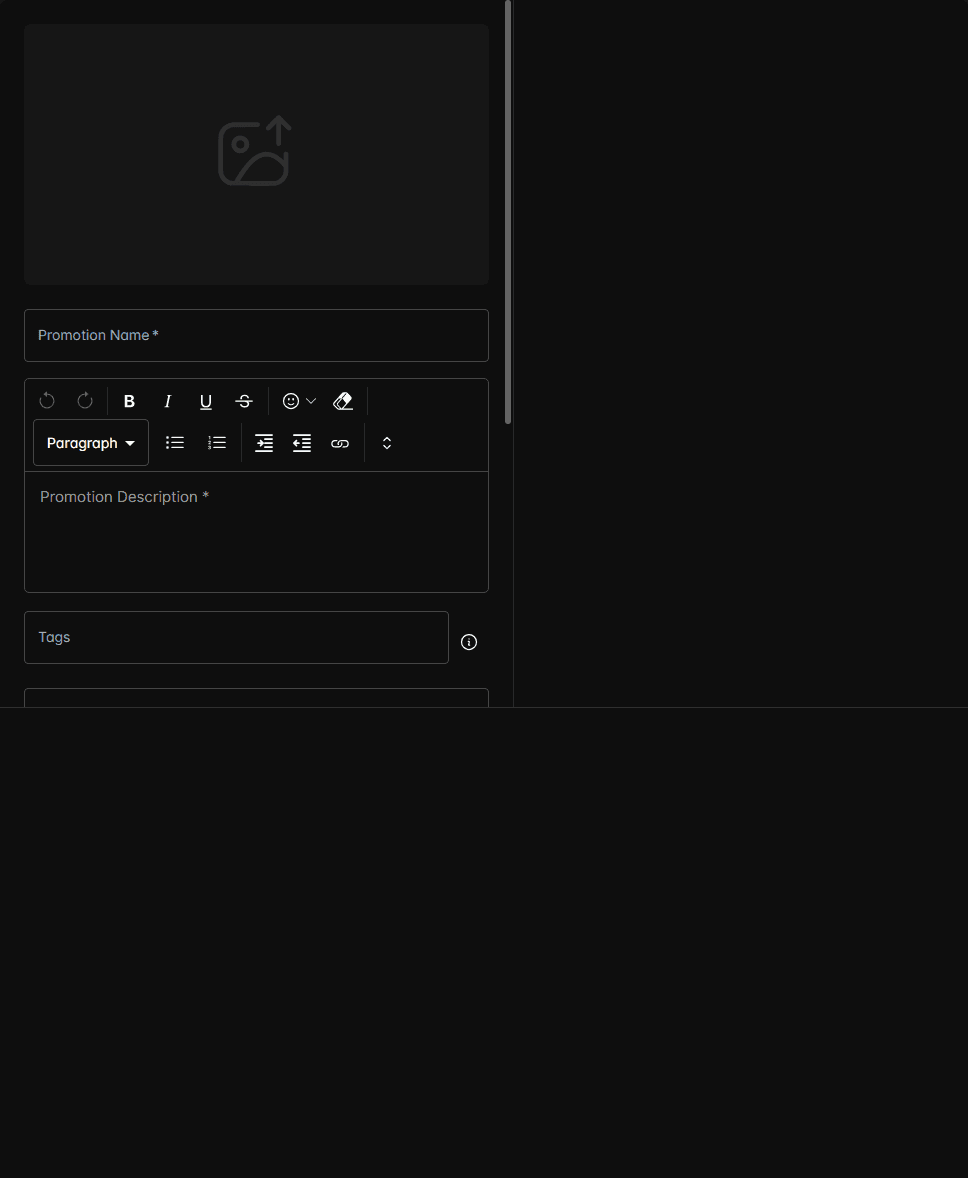
The promotion appears in your list immediately. To make it available to the AI, you'll also need to train the AI.
What customers see
The AI doesn't read promotions verbatim to customers. Instead, it uses the promotion details to naturally incorporate offers into conversations. For example:
Customer: "Do you have any deals on trucks right now?" AI: "Yes! We have a spring clearance event on 2024 trucks with up to $5,000 off MSRP. Would you like me to show you what's available?"
Promotion lifecycle
| Status | Meaning |
|---|---|
| Active | Between start and end date — AI can reference it |
| Upcoming | Before start date — visible in portal but not used by AI |
| Expired | Past end date — AI stops referencing it |
After creating a promotion, remember to click Train AI to sync it into the bot's knowledge base. The AI won't know about new promotions until it's been trained.
Tips
- Write descriptions from the customer's perspective — focus on the value, not internal codes.
- Use specific tags so the AI matches promotions to the right conversations.
- Set end dates accurately — the AI will stop mentioning expired promotions automatically.
- Link to your website so the AI can direct interested customers to full details.