

Portal GuidePromotions
How to extract promotions from a URL
Automatically pull promotion details from a webpage into DealerAI.
If your dealership's promotions are already listed on a webpage, you can extract them automatically instead of typing each one manually. The extraction tool scans the page and pulls in promotion titles, descriptions, and details.
Extract promotions from a URL
The Extract Promotions feature is available to administrators only.
Go to Promotions from the sidebar.
Click Extract Promotions in the page header.
Paste the URL of the webpage containing your promotions (e.g., your dealership's specials page).
Click Extract to scan the page.
Review the extracted promotions — the system shows what it found, including titles and descriptions.
Edit any extracted details that need correction or enhancement.
Click Save to add the promotions to your list.
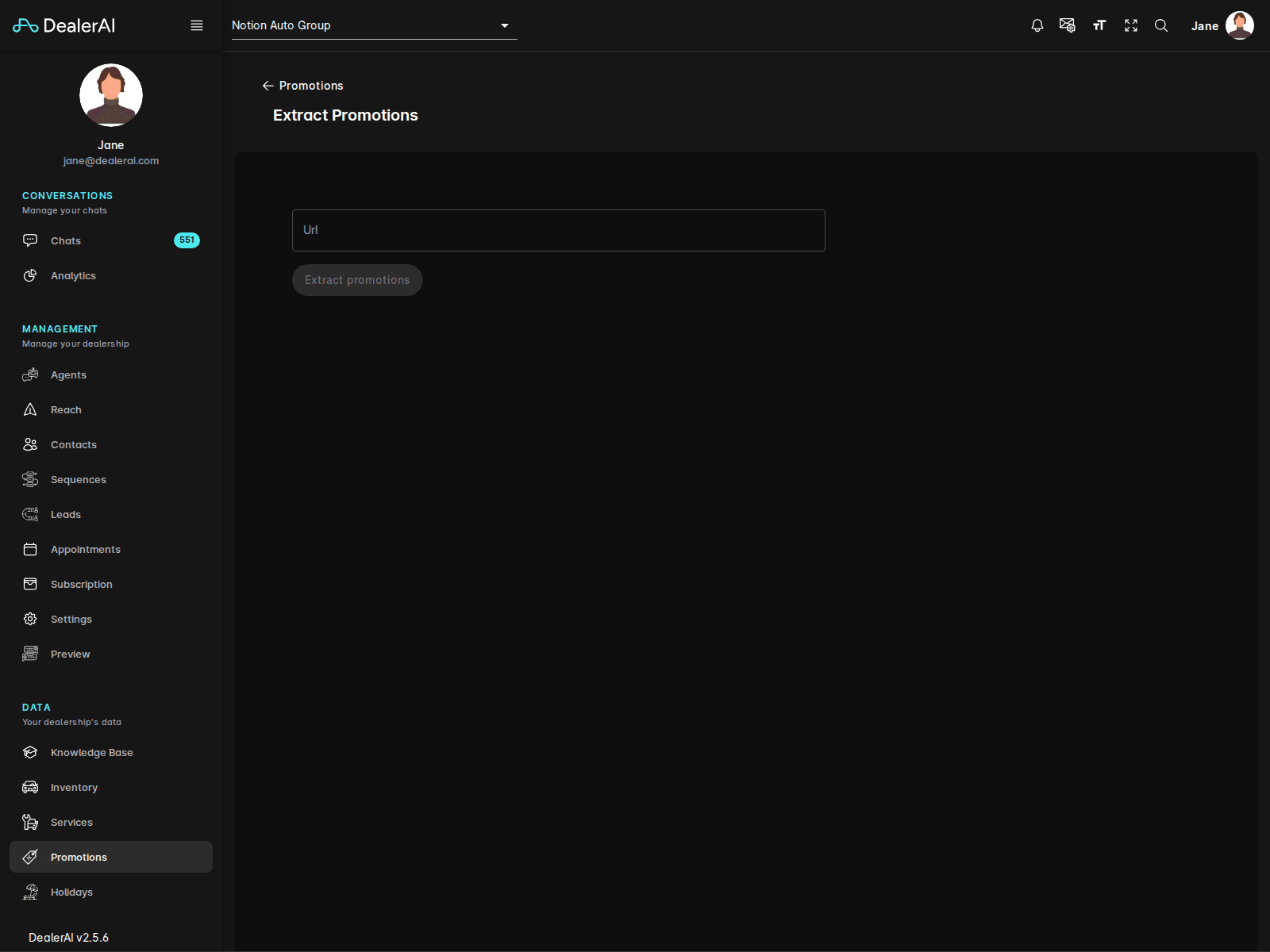
What gets extracted
The tool attempts to identify:
- Promotion titles/headlines
- Offer descriptions and terms
- Associated images
- Relevant dates (if visible on the page)
After extraction
Once promotions are saved, complete the setup:
Review each extracted promotion and add Tags for AI matching.
Set Start and End Dates if they weren't detected from the page.
Click Train AI to sync the new promotions into the bot's knowledge base.
Extraction works best on well-structured pages with clear headings and offer sections. Complex layouts with heavy JavaScript rendering may not extract completely — review results and fill in any gaps manually.
When to use extraction
- Initial setup — quickly import all current specials from your existing website
- Monthly refresh — re-extract from your specials page after your marketing team updates it
- Multi-location — pull promotions from manufacturer or group-level pages
Tips
- Use your dealership's own specials/offers page for the most accurate extraction.
- Always review extracted content — the tool may pick up navigation text or footers.
- Add tags manually after extraction to improve the AI's ability to match promotions to customer interests.
- Re-extract periodically to catch new offers added by your marketing team.