

Portal GuidePromotions
How to train AI on promotions
Sync your promotions into the AI's knowledge base so it can reference them in conversations.
After creating or updating promotions, you need to train the AI so it knows about the current offers. Until you train, the bot uses its previous knowledge and won't reference new or updated promotions.
Train the AI
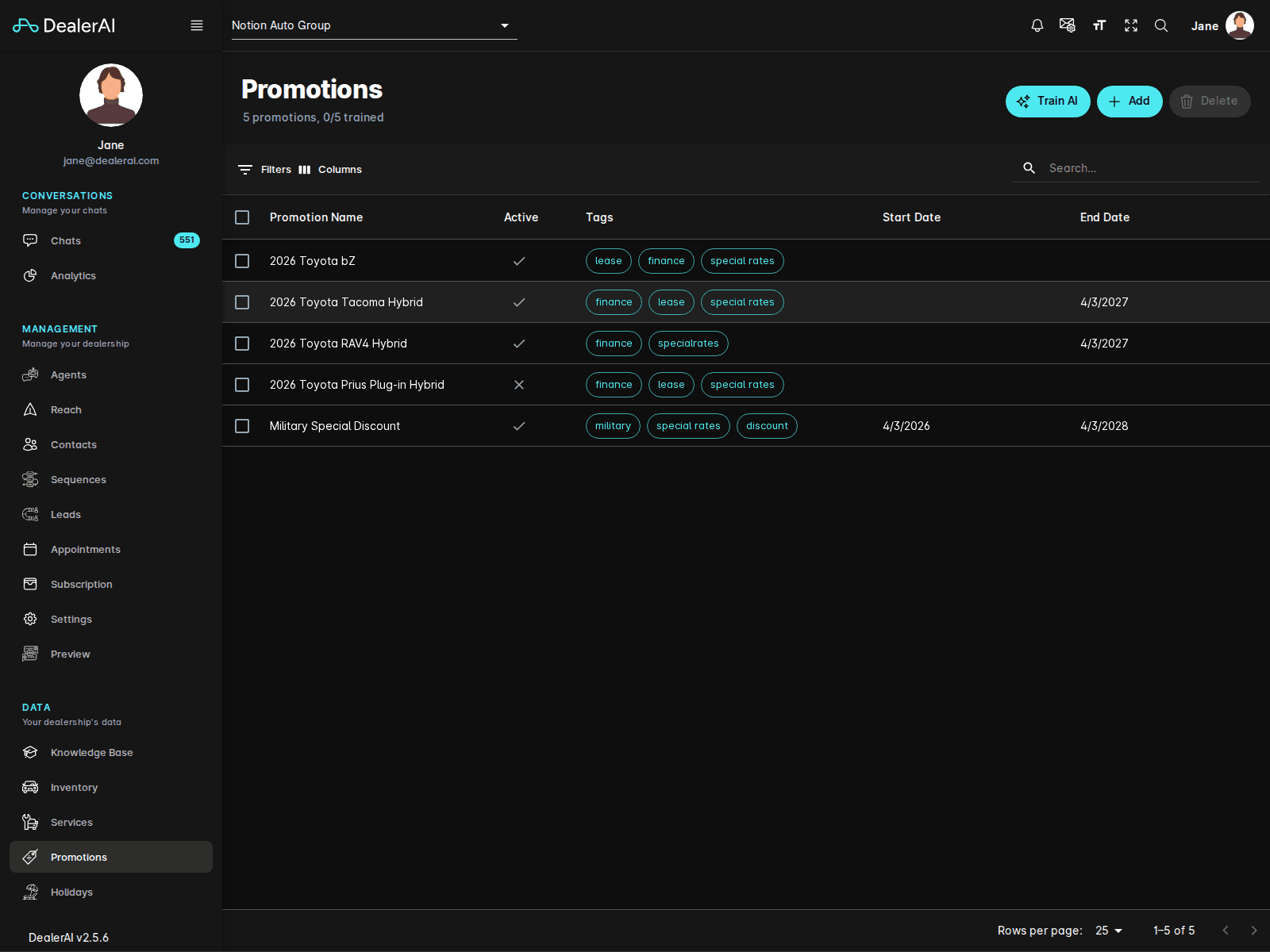
Go to Promotions from the sidebar.
Click the Train AI button (typically at the top of the promotions list).
Wait for the training to complete — this usually takes a few seconds.
A confirmation message appears when the bot's knowledge base has been updated.
When to train
Train the AI whenever you:
- Create a new promotion
- Edit an existing promotion's details
- Deactivate or reactivate a promotion
- Delete a promotion
- Change promotion dates or tags
What training does
The training process:
- Collects all active promotions with valid dates
- Formats them into the AI's knowledge base
- Updates the bot so it can reference current offers in conversations
- Removes expired or deactivated promotions from the bot's active knowledge
How the AI uses promotions
After training, the AI can:
- Mention relevant promotions when customers ask about deals
- Reference specific offer details (discounts, eligibility, dates)
- Direct customers to the promotion URL for full details
- Avoid mentioning expired or deactivated offers
Training is fast and non-disruptive — active conversations continue without interruption. The updated knowledge takes effect on the next message the bot sends.
Tips
- Make training part of your workflow: create/edit → save → train. Don't skip the last step.
- If the AI mentions an outdated promotion, it likely needs retraining.
- Train after bulk changes (e.g., end-of-month cleanup) rather than after each individual edit to save time.
- Use Preview to verify the bot correctly references your promotions after training.