

Holidays
Configure dealership closure dates so the AI knows when your dealership is unavailable and adjusts its responses accordingly.
The Holidays section lets you tell DealerAI about dates when your dealership will be closed or operating on reduced hours. The AI uses this information to set accurate customer expectations during conversations — for example, informing a customer enquiring on Christmas Day when the dealership will next be open.
Overview
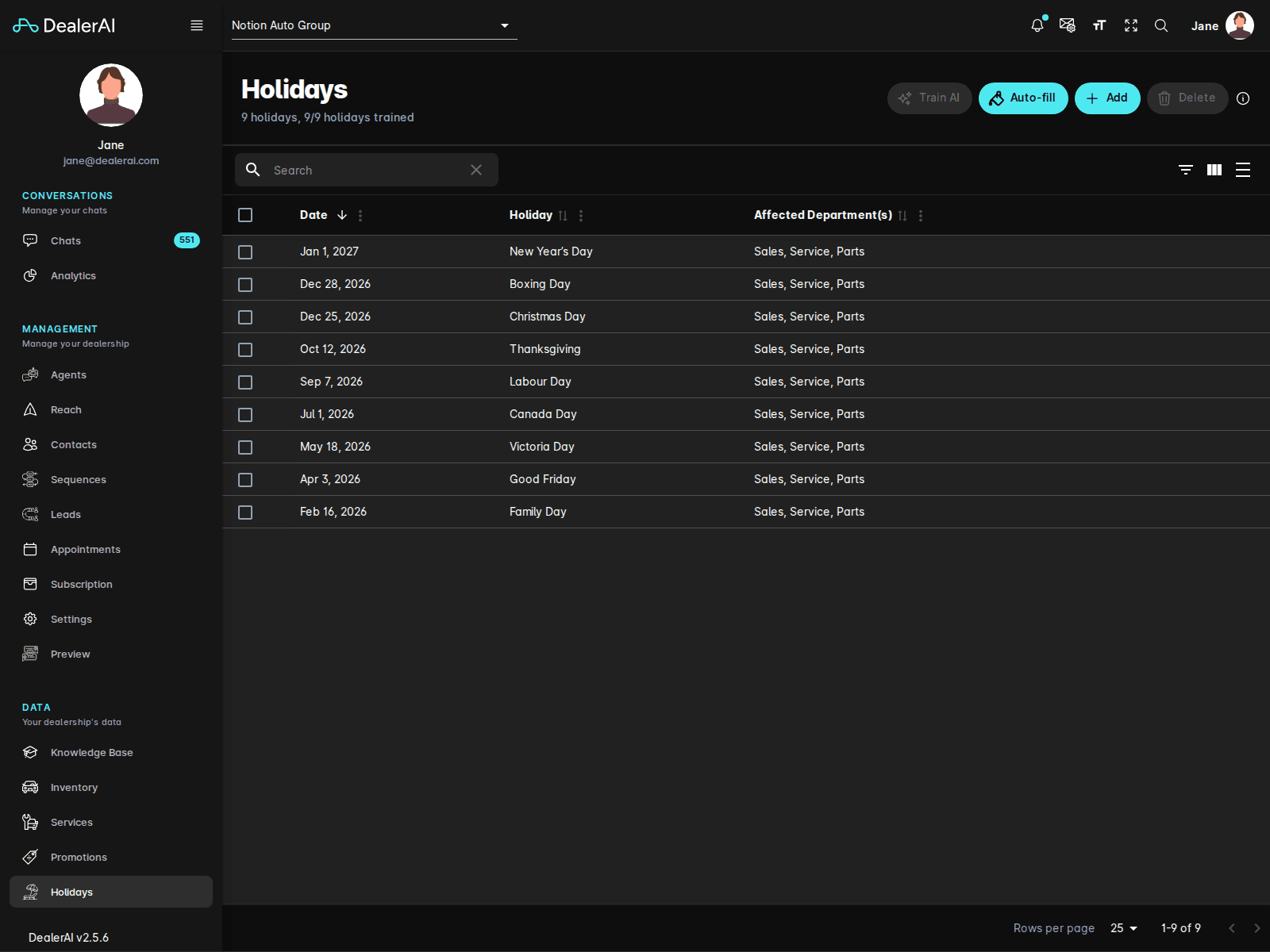
Without holiday configuration, the AI relies solely on your regular hours from the Knowledge Base and Settings. Adding specific closure dates ensures the AI never promises a same-day appointment on a day you're actually closed.
Holidays List
The Holidays page shows a list of all configured closure dates. Each entry includes:
| Field | Description |
|---|---|
| Date | The specific date the dealership is closed |
| Holiday | A label for the holiday (e.g., "Christmas Day", "Labour Day") |
| Affected Department(s) | Which departments are closed or on reduced hours for that date |
Adding a Holiday
Editing and Removing Holidays
Click any holiday entry to edit or delete it. If a one-time closure has passed, you can safely delete it to keep the list current — or leave it if it recurs annually.
How the AI Uses Holiday Data
When a customer contacts the dealership during a configured holiday:
- The AI informs them that the dealership is currently closed
- If a note is provided, the AI shares the expected reopening date
- The AI can still take a message or capture the customer's details so staff can follow up when the dealership reopens
Appointment booking is automatically disabled for holiday dates. The AI will not offer appointment slots on days marked as closures.
Recommended Holidays to Configure
Set up closures for any date your dealership will be fully or partially closed:
- National statutory holidays (New Year's Day, Canada Day, Christmas, etc.)
- Long weekend closures
- Staff training days
- Inventory days or annual shutdowns