

How to extract knowledge from your website
Seed or refresh the Knowledge Base by importing content directly from a dealership URL.
The Extract tool inside the Knowledge Base pulls content from any page on your dealership website (or another source URL) and turns it into structured knowledge entries you can review, edit, and train.
This is the fastest way to seed a new dealership's Knowledge Base or refresh facts after a website overhaul.
Run an extract
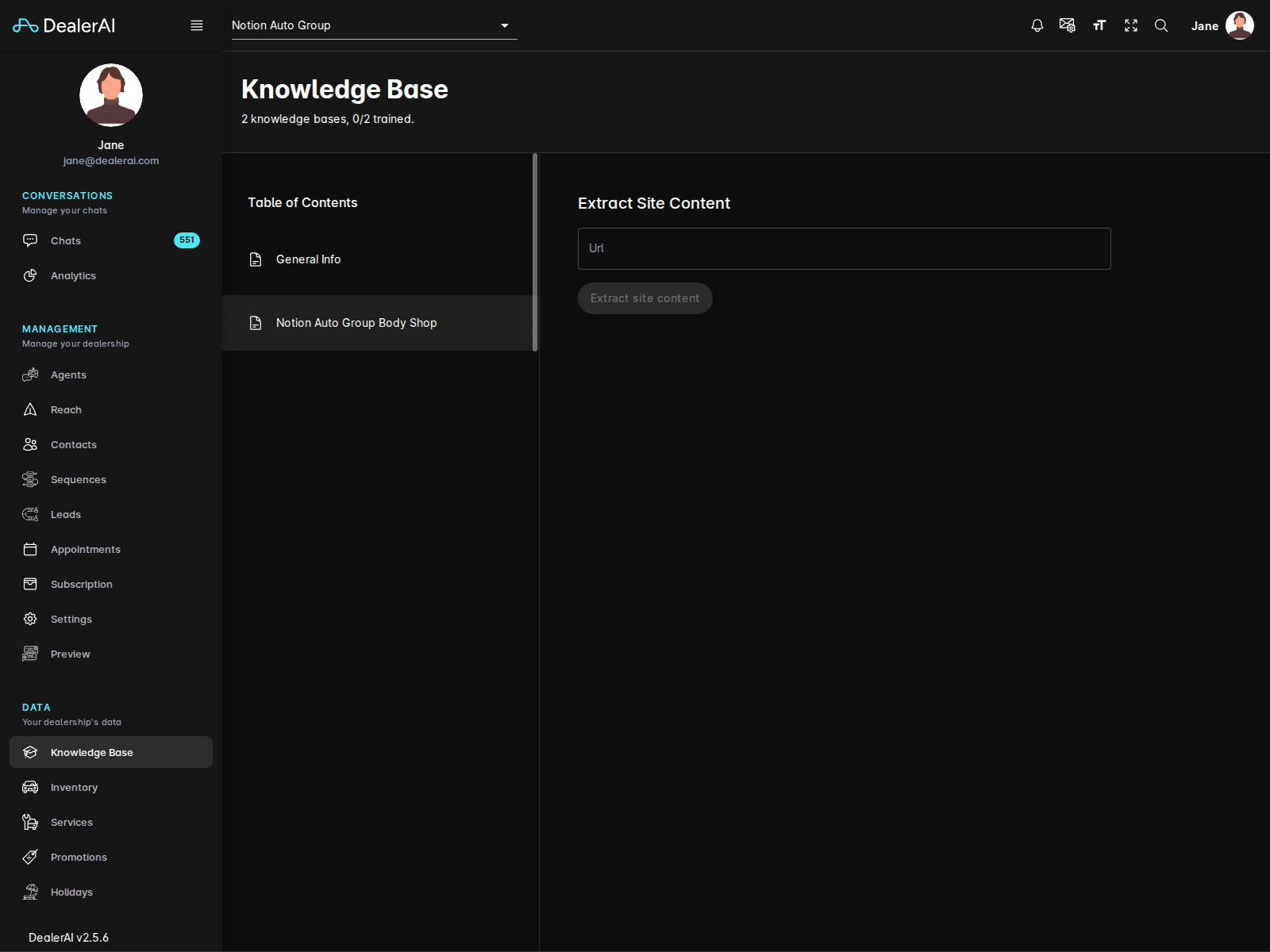
What to extract
| Page type | Why it's useful |
|---|---|
| About / Contact | Address, hours, departments, history |
| Financing | Programs, partners, application steps |
| Service | Hours, loaner policy, drop-off process |
| Warranty / Certified Pre-Owned | Coverage terms, eligibility |
| Specials / Offers | Use Promotions instead for time-limited offers |
| Directions | Landmarks and entry instructions |
Review carefully
Extraction is automatic and can pick up marketing copy or stale dates. Always:
- Read every proposed entry before saving.
- Trim anything that's promotional fluff rather than a fact.
- Update dates, names, and prices that may have changed since the page was published.
- Reject anything that contradicts other Knowledge Base entries.
Extract is best for the first pass of populating knowledge. After that, maintain the Knowledge Base directly using the Add a fact workflow rather than re-extracting, to avoid overwriting your edits.
Re-extracting a page
When a website page changes substantially (e.g., a redesigned Financing page):