

How to test that the AI uses your latest knowledge
Verify the AI's answers reflect the most recent Knowledge Base updates before customers see them.
After retraining the AI, confirm the new content is being used correctly by asking the AI directly in a safe, non-customer environment.
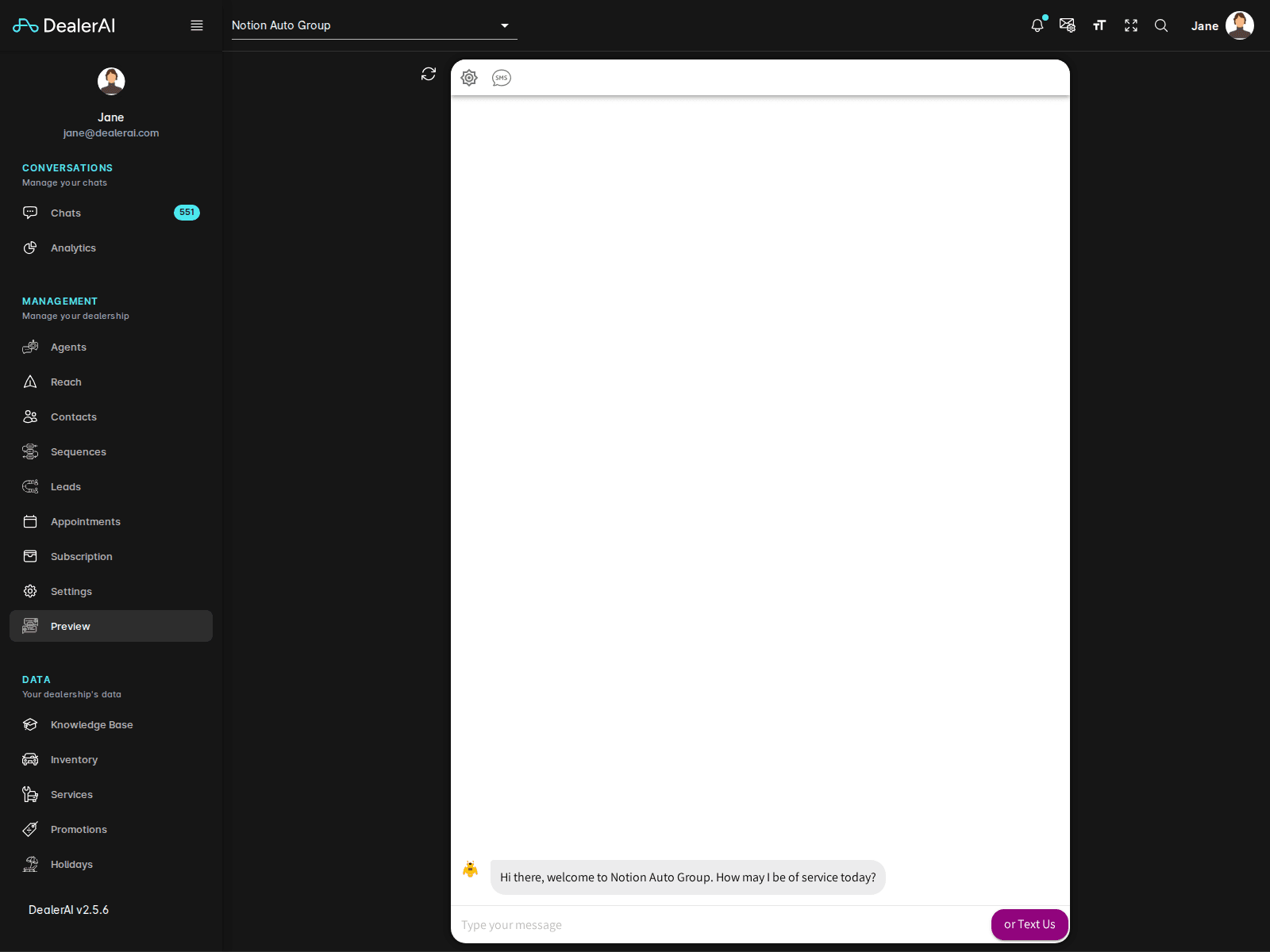
Test in Preview
The fastest way to test is the Preview tool, which gives you a live webchat session against your real AI configuration without affecting your dealership's analytics.
What to look for
| Check | Why |
|---|---|
| The answer mentions the new fact | Confirms the entry is reachable. |
| The answer is accurate | Confirms the entry was understood, not paraphrased incorrectly. |
| The answer is brief and conversational | Long answers often mean the source entry is too verbose — trim it. |
| The AI doesn't contradict itself in follow-up turns | Indicates a clean entry without conflicting older content. |
Example test prompts
If you added a fact about loaner cars:
- "Do you offer loaner vehicles?"
- "Can I get a courtesy car while my car is being serviced?"
- "What's the loaner policy?"
The AI should respond consistently across all three phrasings.
Always test with at least three different phrasings of the same question. Customers rarely ask the way you'd expect.
When the AI gives a wrong or stale answer
- Confirm you trained. Re-open Knowledge Base and check the training status reads "Up to date".
- Check for conflicting entries. Search the Knowledge Base for older facts that contradict the new one and remove or update them.
- Tighten the entry. Make the wording more direct and specific — the AI matches concrete statements better than vague ones.
- Save and retrain, then re-test in Preview.
Test on the channel customers use
After Preview looks good, also test in the channel(s) you actually serve:
- Send a test SMS from your own phone to the dealership number.
- Email the dealership address from a personal email.
- Open the live webchat widget on a staging copy of your website.
This catches channel-specific quirks that Preview can't always reproduce.