

Active Messages
Configure URL-based rules that trigger custom messages or action buttons when customers visit specific pages on the dealership website.
Active Messages lets you define rules that automatically trigger a specific message or action button set when a customer opens the webchat widget on a particular URL of your website.
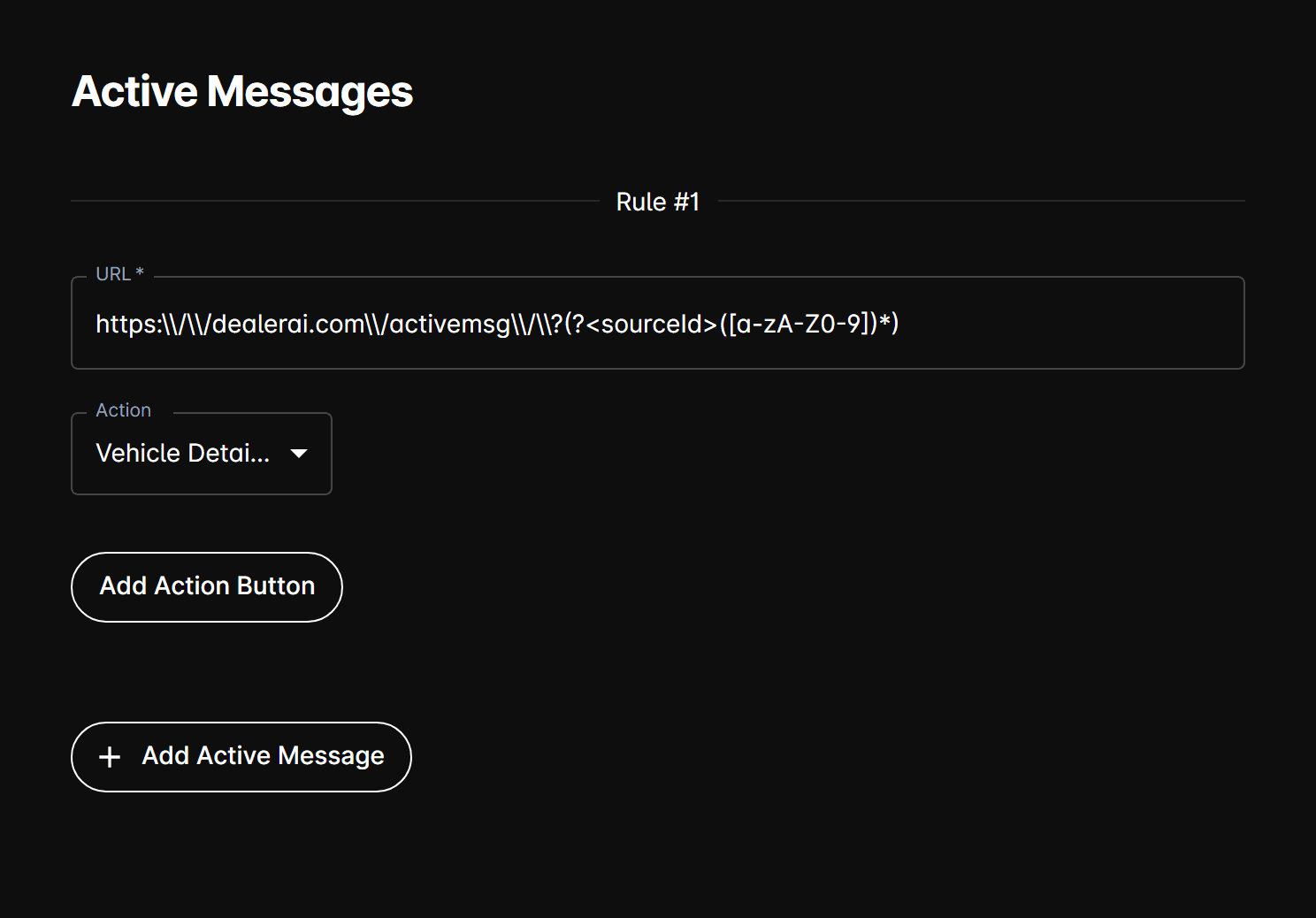
How it works
Each rule matches a URL pattern on the dealership's website. When a customer lands on a page whose URL contains the rule's URL pattern and opens the chat widget, the configured action is triggered automatically.
Rule fields
Each rule entry includes:
| Field | Description |
|---|---|
| URL | The URL path or pattern to match. The rule fires when the webchat widget is loaded on a page whose URL contains this value. |
| Action | The behavior to trigger. Currently supports CustomMessage. |
| Custom Message | The message to display automatically when the rule's URL is matched. Only shown when Action is set to CustomMessage. |
Action buttons
Each rule can also have its own set of Action Buttons — quick-reply buttons presented to the customer alongside the custom message. Each button has:
| Field | Description |
|---|---|
| Title | The button label shown to the customer. |
| Message | The message sent on behalf of the customer when they click the button. |
Action buttons within a rule can be reordered by drag-and-drop.
Managing rules
- Use the Add button to create a new rule.
- Use the delete icon to remove a rule.
- Use the up (↑) and down (↓) arrows to change rule priority order.
URL matching is substring-based — a rule with URL /inventory will match any page whose URL contains /inventory, such as /inventory/new or /inventory/used.