

Lead Generation
Configure how DealerAI delivers leads to the dealership via HTML email and ADF format.
Lead Generation controls how DealerAI sends captured lead information to the dealership. Two delivery formats are supported: formatted HTML email and ADF (Auto-Lead Data Format) XML.
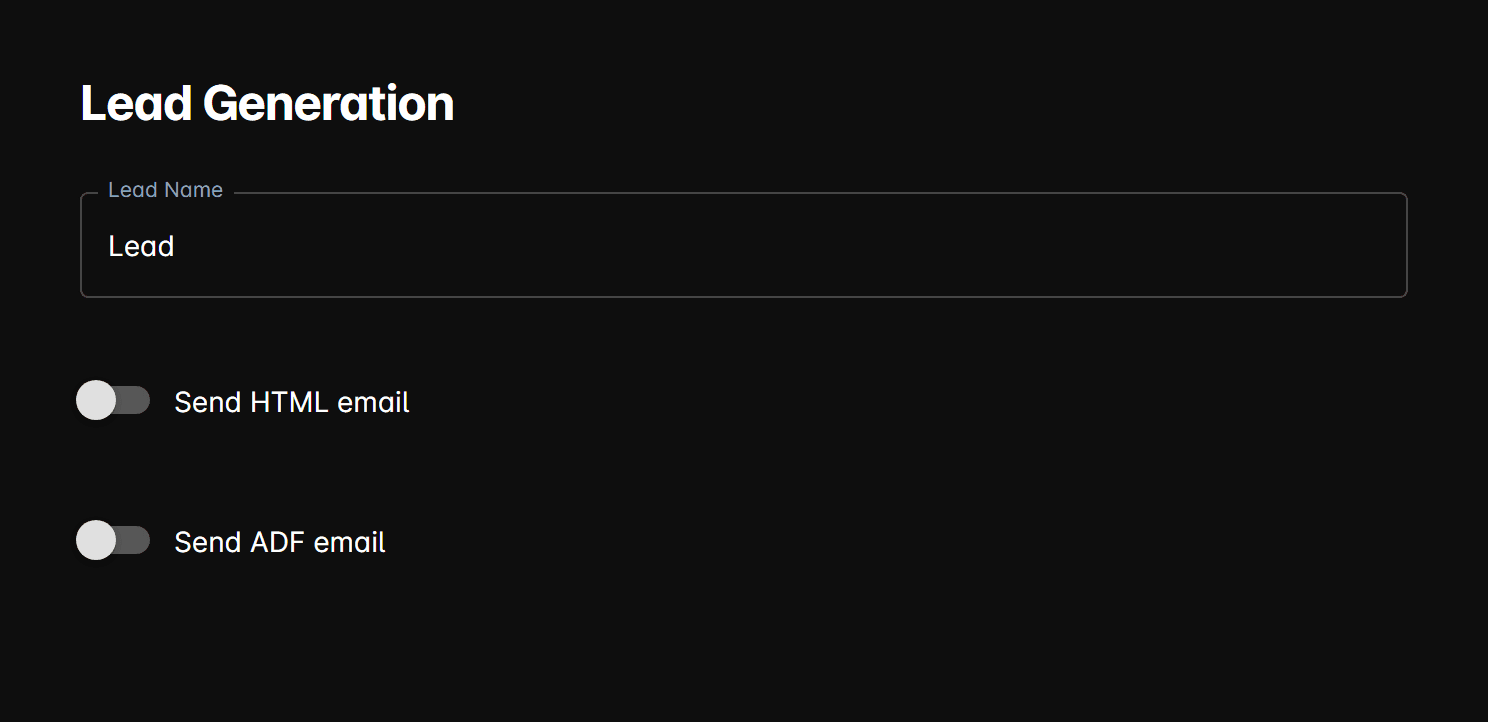
Fields
Lead name
The name used to identify this dealership's leads in delivered emails. This appears as the lead source or sender label in the email.
HTML email
Send HTML email — When enabled, DealerAI sends a formatted HTML email containing the lead's contact information and vehicle interest to the configured recipient addresses.
Add one or more email addresses to the HTML recipients list. All addresses receive the HTML lead email when a new lead is captured.
ADF email
Send ADF email — When enabled, DealerAI sends the lead as an ADF (Auto-Lead Data Format) XML attachment. ADF is the automotive industry standard for passing lead data between systems and is compatible with most CRM platforms.
Add one or more email addresses to the ADF recipients list.
ADF leads are typically forwarded to a CRM's lead inbox. Check your CRM documentation for the correct ADF import email address to use here.
Both HTML and ADF delivery can be enabled simultaneously, sending to their respective recipient lists independently.
Active Messages
Configure URL-based rules that trigger custom messages or action buttons when customers visit specific pages on the dealership website.
Voice Settings
Configure the AI voice agent's voice, tone, call forwarding, duration limits, reminders, and background noise for inbound and outbound calls.