

Notifications
Configure push notification frequency and email alerts for new conversations and unassigned chats.
Notifications controls how portal users are alerted about new messages and unassigned conversations — via mobile push notifications and email.
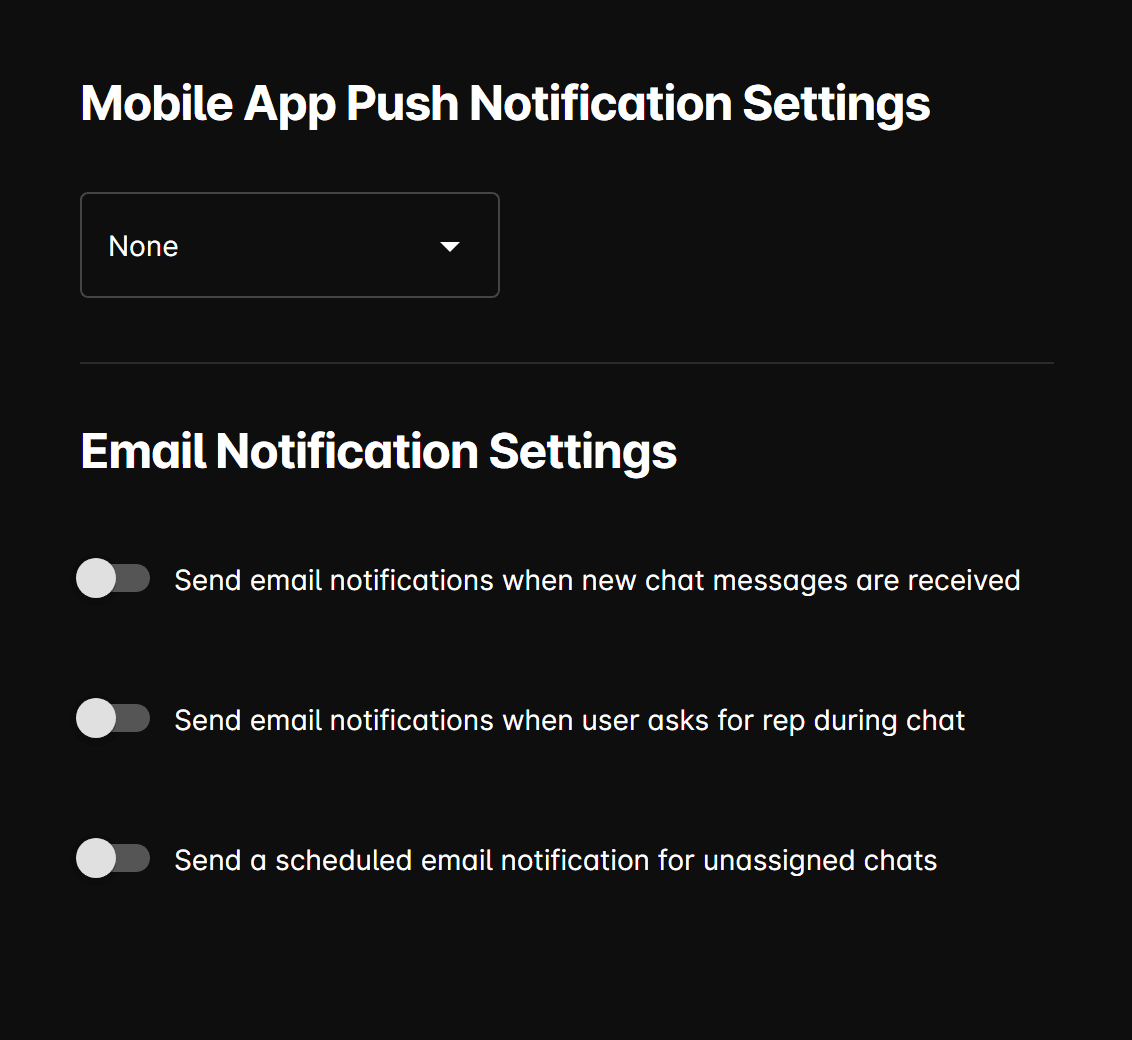
Mobile app push notifications
Choose how often the mobile app sends push notification alerts:
| Option | Behavior |
|---|---|
| None | No push notifications are sent. |
| New conversation only | A push notification is sent when a new conversation starts. |
| Every new message | A push notification is sent for each incoming message. |
Email notifications
New message alert
Send email when new chat messages received — Sends an email to the configured recipients when a new inbound chat message arrives.
Human handoff alert
Send email when user asks for rep — Sends an email when the AI detects that a customer is requesting to speak with a human representative.
Unassigned chat digest
Send scheduled email for unassigned chats — Sends a periodic email digest listing conversations that have not been assigned to a staff member.
Email recipients
When any email notification toggle is enabled, you must provide one or more recipient email addresses. All active notification types share the same recipient list.
Email notifications are sent to the addresses listed here, not to the individual agent assigned to a conversation. Make sure to include at least one active staff inbox.