

General Info
Configure the dealership's name, website URLs, locations, phone numbers, email addresses, and inventory link settings.
General Info is the primary identity page for a dealership in DealerAI. It controls the name, contact details, and location information that the AI surfaces in conversations.
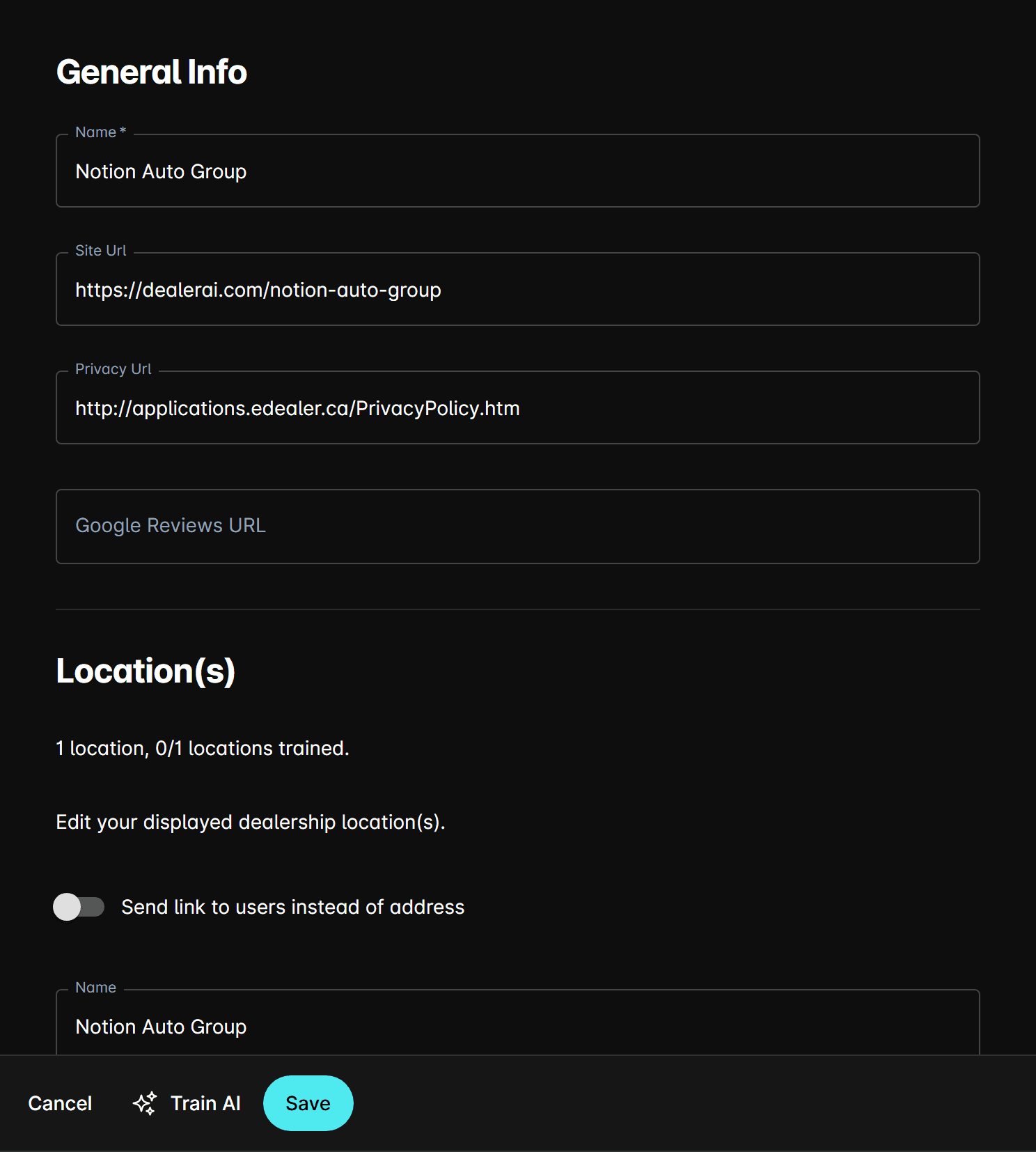
Fields
Basic information
| Field | Description |
|---|---|
| Name | The dealership's display name. Used throughout the portal and in AI responses. Required. |
| Site URL | The dealership's main website URL. |
| Privacy URL | Link to the dealership's privacy policy page. |
| Google Reviews URL | Link to the dealership's Google Business profile or reviews page. |
Locations
Add one or more dealership locations. Each location entry includes:
| Field | Description |
|---|---|
| Location Name | A label for the location (e.g., "Main Lot", "North Location"). |
| Full Address | The complete street address displayed to customers. |
| Address Line 1 | First line of the street address. |
| State / Province | State or province of the location. |
| Country | Country of the location. |
| Google Maps URL | Direct link to the location on Google Maps. |
Send link instead of address — When enabled, the AI sends a Location Link URL rather than the raw address text.
Phone numbers
Add one or more phone numbers, each with a contact type (e.g., Sales, Service, Parts). The AI will reference these when customers ask for dealership contact information.
Send link instead of contact — When enabled, the AI sends a Contact Info Link URL rather than listing phone numbers and email addresses directly.
Email addresses
Add one or more email addresses, each with a contact type. Used when customers request contact information via email channels.
Inventory link
| Toggle | Description |
|---|---|
| Send link on null car search | When the AI cannot find a matching vehicle, it sends the Car Inventory Link URL to the customer. |
| Send message on null car search | When enabled, sends a custom text message instead of (or in addition to) a link when no vehicle match is found. |
| Send promotion reply link | When enabled, the AI includes a Promotion Reply Link URL in promotional responses. |