

Facebook & Instagram
Connect Facebook pages and Instagram accounts to enable AI-powered messaging on Meta channels.
Facebook & Instagram links the dealership's Facebook pages and Instagram accounts to DealerAI, enabling the AI to handle incoming messages from Meta channels automatically.
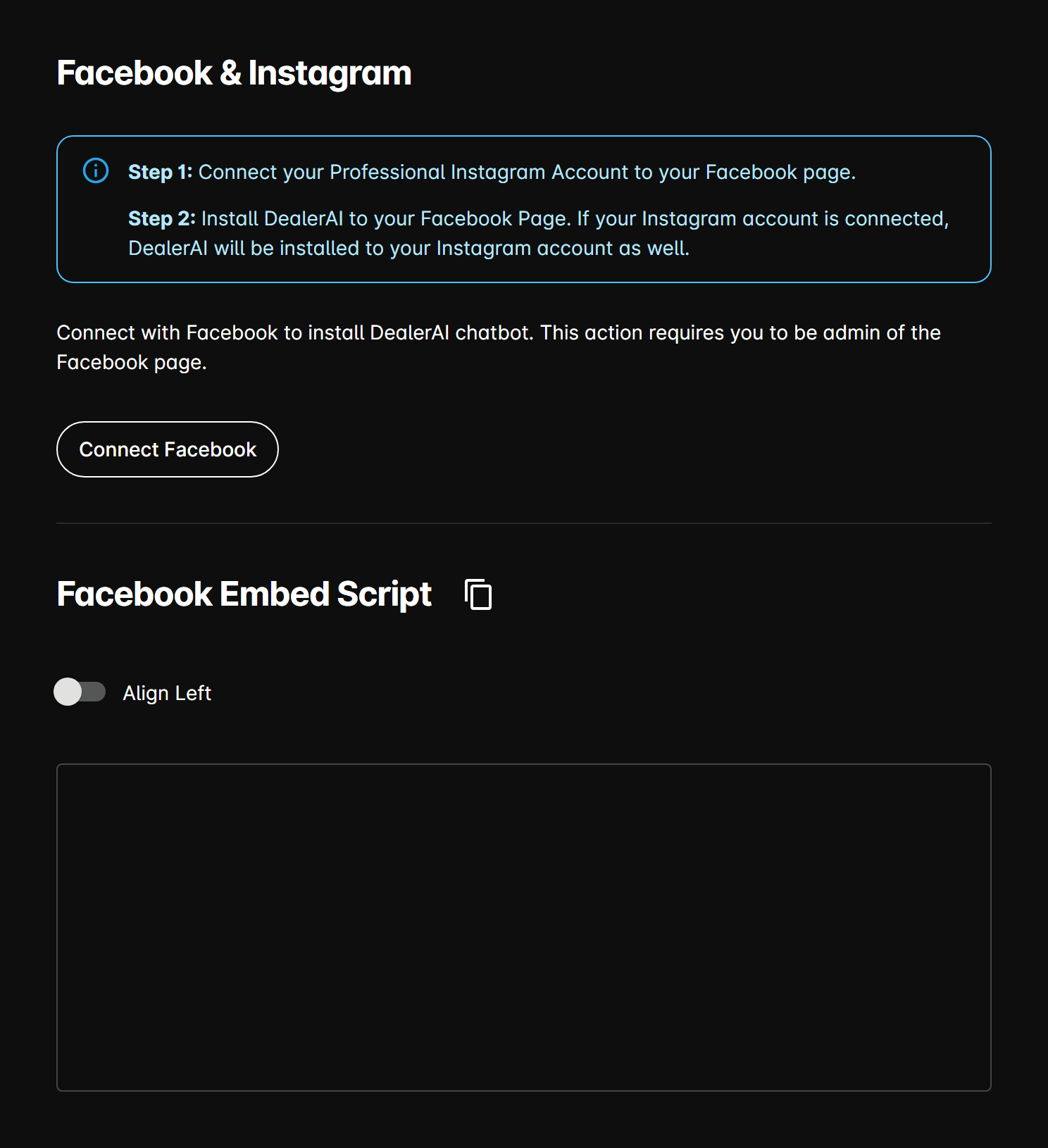
Connecting a Facebook page
The Facebook account used to connect must have Page admin or Editor role on the dealership's Facebook Page.
Connected pages table
After connecting, each linked page is listed with:
| Column | Description |
|---|---|
| Page ID | The unique Facebook Page identifier. |
| Name | The Facebook Page name. |
| Access Token | The long-lived page access token. Use the copy button to copy it. |
| Instagram User ID | The Instagram Business account ID linked to this page (if connected). |
| Instagram Username | The Instagram Business username. |
Each row has a Connect / Disconnect action to enable or disable AI messaging for that page.
Embed script
After connecting a page, a Facebook embed script is generated. Copy this script and add it to your dealership website <head> or <body> to enable the Facebook Messenger chat plugin on your site.
Options
Align Facebook chat left — When enabled, the Facebook Messenger chat bubble appears on the left side of your website instead of the default right side.